Perspective service gallery vs. standalone gallery
There is a difference between creating a gallery under a specific service, such as album design and creating just a gallery.
If you wish to use one of Perspective’s services, such as album design, you should select the relevant service when placing your order.
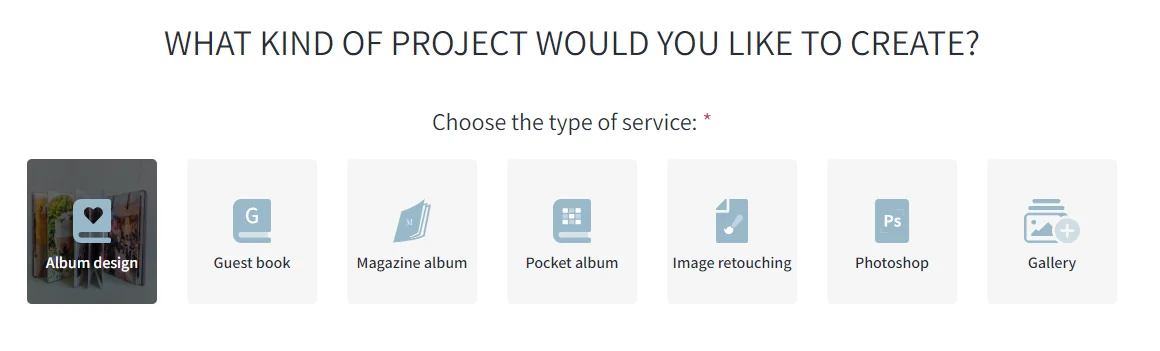
After completing the order, you will be directed to the gallery creation page under the selected service.
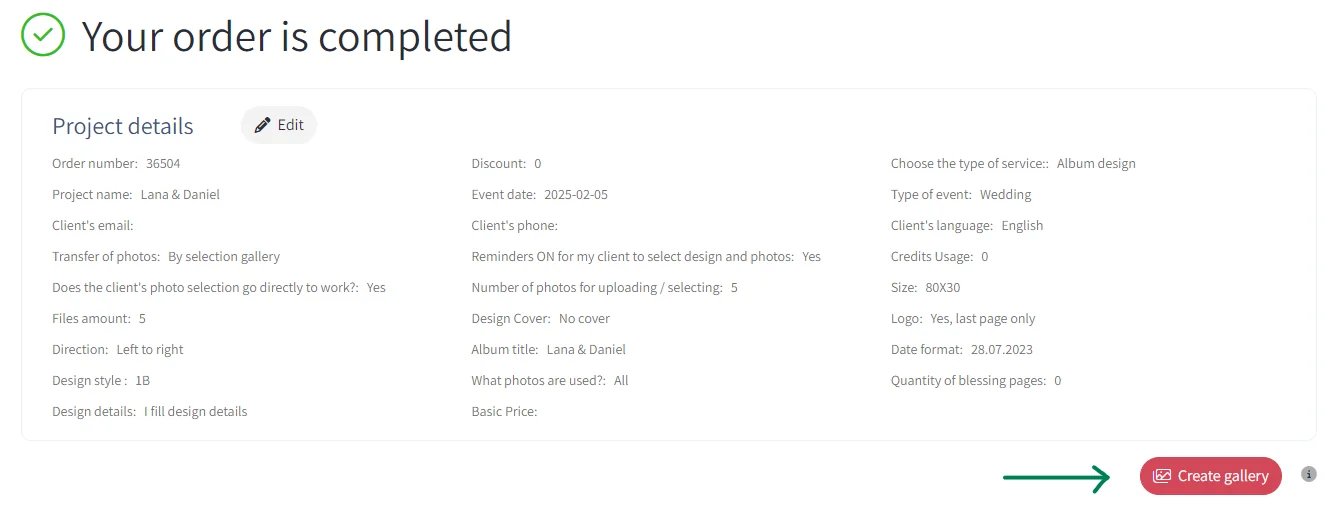
By doing so, the gallery will be automatically linked to the designated collection under the selected service, along with additional options such as:
- Marking favorite images
- Automatically sending selected images for design
…and more!
However, you can also create just a gallery for any other purpose. To do this, select the Gallery service.
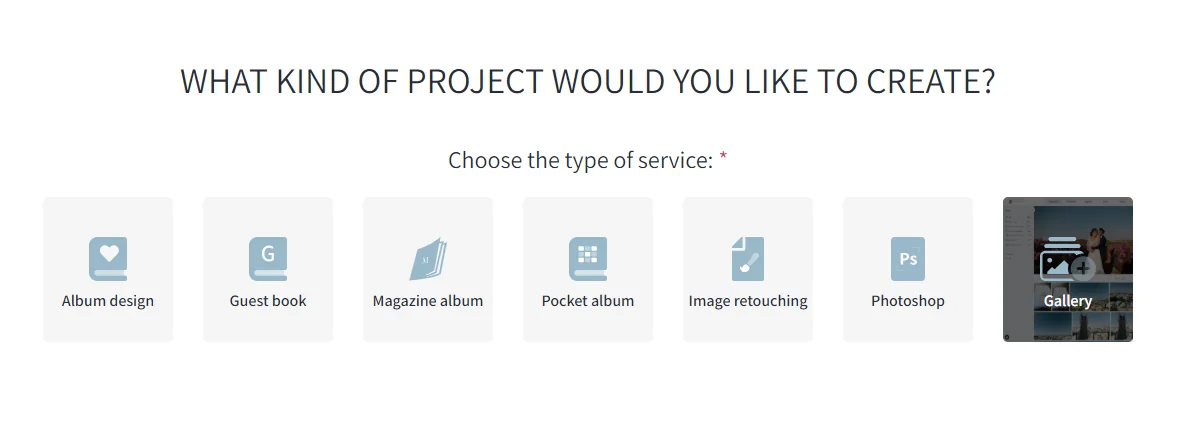
Just a Gallery can be used for:
- Sharing images for viewing only
- Selecting images for various products or collections
Important Note:
Creating just a gallery without selecting a service will not be included in Perspective’s projects.
You can track all your created galleries in the Control Center by clicking Galleries in the navigation menu under the Projects window.
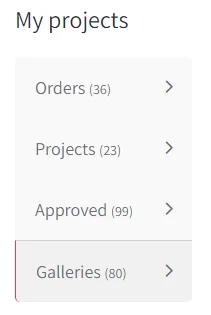
This window contains all projects that include a gallery, whether linked to a service or a gallery.
Loading comments connects to Facebook and shares your browser information with Facebook.