
Most revisions start before the design does
The couple has picked their photos, the first version of the album is ready, and the finish line is in sight. You send it over, wait for a reply, and mentally tick the box.
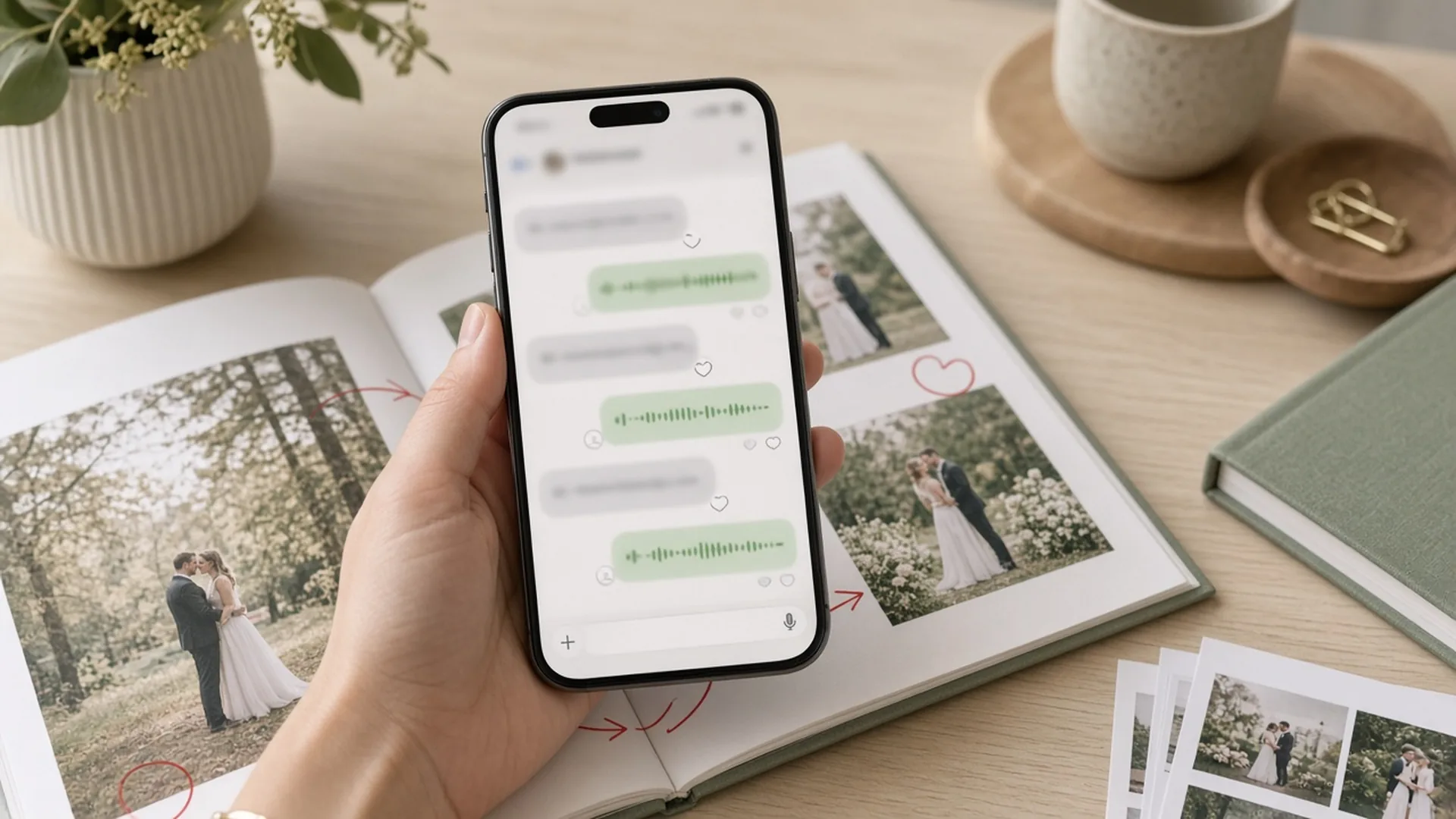
Then the comments arrive: "this photo should have been large". "That's the bride's family, not the groom's". "The date isn't in the format we wanted". A message on WhatsApp, then a voice note, then a screenshot with a red circle. You pass it on, the fixes get done, a new version goes out, and the comments start again. The album that was "almost finished" stays open for weeks.
What sounds like a design problem is often expectation-setting that arrived too late: which photos should be large, who belongs to which family, what the album title is and how the date should be written. Those can be closed before design starts. The proofing rounds that remain after that are smaller, and those too can be kept in order.
What revision rounds look like day to day
If you deliver wedding albums, you know the script. Some comments are about the layout itself, but many of them are the same requests, every season:
- "This photo should have been large." The couple only realises what mattered to them once they see the spread.
- Family pages the wrong way round. An aunt from the groom's side ends up on the bride's page, because nobody marked who belongs with whom.
- A wrong title or date. Spotted at approval, or worse, after printing.
- Comments in every channel. Some on WhatsApp, some by email, some in a phone call nobody wrote down.
- "The one where grandma is smiling." With no photo number and no page number, every comment needs decoding, and sometimes guessing.
- An approval that never comes. "Looks great, we'll take another look at the weekend", and the album keeps waiting.
Each of these moments is small. Together they are why an album whose design is finished still hasn't been delivered.
Your time, and why it doesn't pay
The album price is usually set when the contract is signed. How many rounds it will take, and what the comments will look like, nobody can know in advance.
Every extra round reopens the file, the context and the conversation. Someone has to collect the comments, translate them into something a designer can act on, check that everything was fixed and send it again. Even if someone else designs the album, you are still the go-between. Those hours never show up on an invoice, but they come straight out of what the album was supposed to earn per hour.
And while the album is open, it also takes up space in your head. In season, open albums pile up, couples ask "so, what's happening with the album?", and hours that could go to shooting, editing, new couples or simply resting go to one more round. If part of the payment is tied to delivering the album, that waits too.
How to prevent revisions before design starts
Most revisions do not begin at proofing. They begin earlier, when the couple chooses photos and answers what kind of album they want. When that stage is clear, the first version is already close to what they meant.
Setting expectations, before a single spread is designed
The couple needs to see examples and understand what will be asked of them, before anyone starts laying out pages. On a personal client site they see design styles and answer a precise questionnaire: how the photos should be used, which way the album opens, and what matters to them in the design. That is a frame that reduces surprises later, not a vague chat about "something clean" or "something full".
Photo selection in Pixelect
Pixelect is Perspective's selection gallery. It has no storage of its own: it works from your Google Drive, and the couple chooses in a gallery branded with your name. When they finish selecting, design can start with no second upload and no chasing files. We wrote separately about how to organise the selection stage itself. What matters here are two tools that prevent exactly the revisions that come back every season.
Highlights. The couple marks the photos that matter most to them, and the designers know what to place large in the album. Highlights are limited to twenty percent of the selection quota: in a selection of two hundred photos, up to forty can be marked. Without that mark the designer decides which images get the large place, and the revision arrives later.
Tagging the groom's side and the bride's side. One of the most common revisions is families getting mixed up. When the couple tags who belongs to the groom's side and who to the bride's side, the family pages are built correctly in the first version.

The album title and the date format, in the design questionnaire
At the design-choice stage, on the personal client site, the couple is also asked what the album title will be and which date format to use: a Hebrew date, a Gregorian one, or a mix, with the month in letters or in numbers. These are two classic late revisions, and they can be closed up front. The title usually sits on the first page, and sometimes on the cover.
Then comes the proofing stage
Even after a clear selection and a precise questionnaire, the album still needs proofing. The stage is simply smaller, and it stays open when comments are scattered, when there are no versions, or when approval never comes.
There is no single right way to run it. Here are the common options, with the pros and cons of each.
1. Spread images on WhatsApp or by email
You send the couple images of the spreads or a PDF, and they reply in messages.
Pros: simple, quick, and the couple doesn't have to learn anything new.
Cons: comments scatter across messages and channels, there's no clear link between a comment and its page, and it's hard to tell what was already fixed and which version is the latest.
2. A meeting or video call over the album
You go through the album with the couple, spread by spread.
Pros: personal, clear, and questions get answered on the spot.
Cons: you need a time that suits everyone. Comments are written down live, and what isn't written down is forgotten. And after the call, the couple remembers more things.
3. Proofing through design software or a print lab
Some album design programs and print labs offer a link where the couple can view the album and leave comments.
Pros: comments in one place, and usually an approve button before printing.
Cons: the tool is tied to a specific program or lab, and photo numbering, version history or reminders aren't always there. The fixes themselves are still on you.
4. A revision limit in the contract
Some photographers state up front how many revision rounds the album includes.
Pros: a clear frame for both sides, and the couple focuses on the comments that matter.
Cons: it doesn't fix the mess inside a round, and it doesn't prevent the revisions that could have been avoided earlier. And if comments arrive in pieces, every message can turn into a debate about "what counts as a round".
What to check, whichever option you choose
- Is every comment attached to its page? A comment with no location is an invitation for mistakes.
- Does every photo have a number? "Swap this one for that one" only works when there is something to point to.
- Are versions kept? So everyone comments on the same file and can see what changed.
- Who reminds the couple? If it's you, that's one more item on your list.
- When is the album approved? A clear approval that includes checking names, the title, dates and page count saves surprises at print.
How it works at Perspective
Perspective was founded by a photographer and has supported photographers with post-production for more than 20 years. We have seen, again and again, that most revisions are born before the design, so we built a process that first closes expectations and the selection, and only then the proofing rounds. It combines technology, an artistic eye and experience.
Before the design: selection and the questionnaire. The couple chooses in Pixelect, marks Highlights and tags the groom's side and the bride's side, and answers the design questionnaire on the personal client site — including the album title and the date format.
Technology: proofing in one place. When the first version is ready, the couple gets an SMS and an email with a link to Proofy, our proofing system. They flip through the album in 3D, click a page and write the comment right on it. Every photo in the layout carries a number, so they can write "replace 4 with 27" without guessing. Comments that don't belong to one page go into a general comments slot, and they can attach a photo to add or replace.
Nothing gets lost. Comments reach us only when the couple presses "send fixes", and every round creates a new version. Versions can be compared and all earlier comments stay visible, so nobody comments on an old file.

Reminders that don't depend on you. If the couple wrote comments but didn't send them, SMS reminders go out, and after two weeks whatever was written is sent for fixing anyway. While the album waits for approval, the couple gets regular reminders. You see every project and its status in the Control Center without having to ask.
You decide who talks to the couple. You can give the couple the link and let us handle them under your brand, or run the proofing yourself. Both of you can write comments, and you always see what was written and by whom.
An artistic eye: fixes that keep the story. Our designers don't just swap photos from a list. When a comment is unclear, they ask a question right on the page and wait for the answer before going on.
An approval that prevents surprises. Either the couple or the photographer approves the album; one of them is enough. Before approving, they confirm a few details: the page count, the title and the date. If something is wrong, they cancel the approval and write a comment. Only after approval does the album get light and colour retouching across every spread, and it's delivered as a print-ready file or printed.

The bottom line
Most wedding album revisions are prevented before design starts: when expectations are clear, when the couple marks what should be large and tags the families, and when the album title and date format are already in the questionnaire. The proofing rounds that remain are then smaller. When every comment sits on its own page, and there are versions, reminders and a clear approval, the album simply gets finished.
Want to see how it works? Pixelect selection gallery · Proofy proofing system · Album design service · Talk to us


